Syncing my clipboard between macOS and remote terminals
As I've been spending more and more time with agentic development, it's more and more important to me that sessions run somewhere other than my laptop. For the last few months, that has meant running my coding agents in tmux on either a remote Mac or a remote Linux server.
The most frustrating thing for me has been that the clipboard or paste buffer on those remote hosts isn't synced to my desktop. So, if I copy something inside of a coding agent, I've had to play games to get it to my local Mac. Similarly, if I wanted to paste a screenshot to a remote tmux session. I was playing games with scp.
But also, I don't just want to be able to copy and paste between my Mac and a remote terminal. I want to be able to copy and paste between remote terminals on two different computers.
And I want to be able to take a screenshot on my phone and have it end up in the paste buffer on a remote Linux box.
I took a run at solving this problem maybe three months ago, and I came at it from the wrong direction. I started to look at what it would take to integrate with Apple's iCloud-based copy-paste buffer magic syncing stuff. And I stepped back right at the point where it was going to involve reverse engineering iCloud crypto. Not because I didn't think my coding agents could do it, but because doing it felt like a great way to become a cautionary tale.
But I kept being frustrated. So I took another swing at this sometime last month or so. And the result is called Clipfan. It runs as a menu bar app on your desktop Mac or Macs, and it integrates into tmux on all of your hosts. It uses SSH keys to set up a fully connected pasteboard syncing mesh.
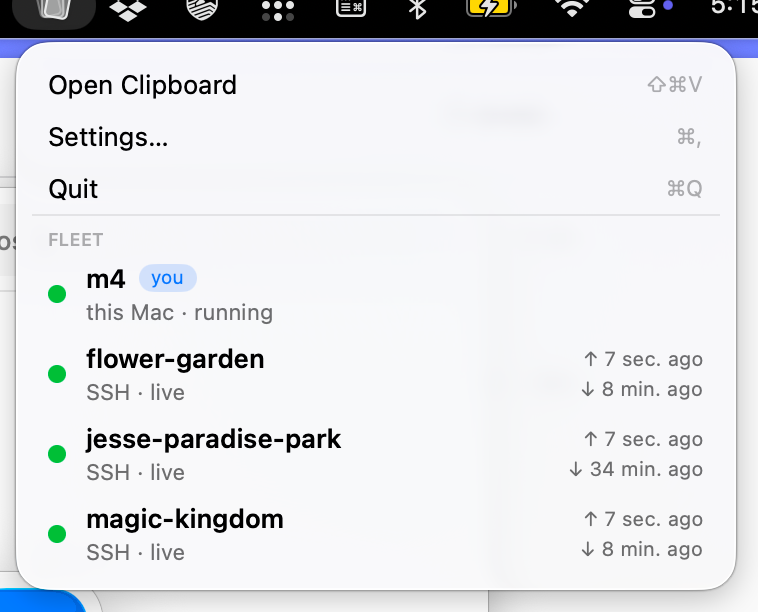
On the Mac, it has a pasteboard history because why not. It can auto-install across your fleet of computers and configure tmux on remote machines. It would, of course, be possible to configure it to sync pasteboards with other kinds of computers and other tools on those machines.
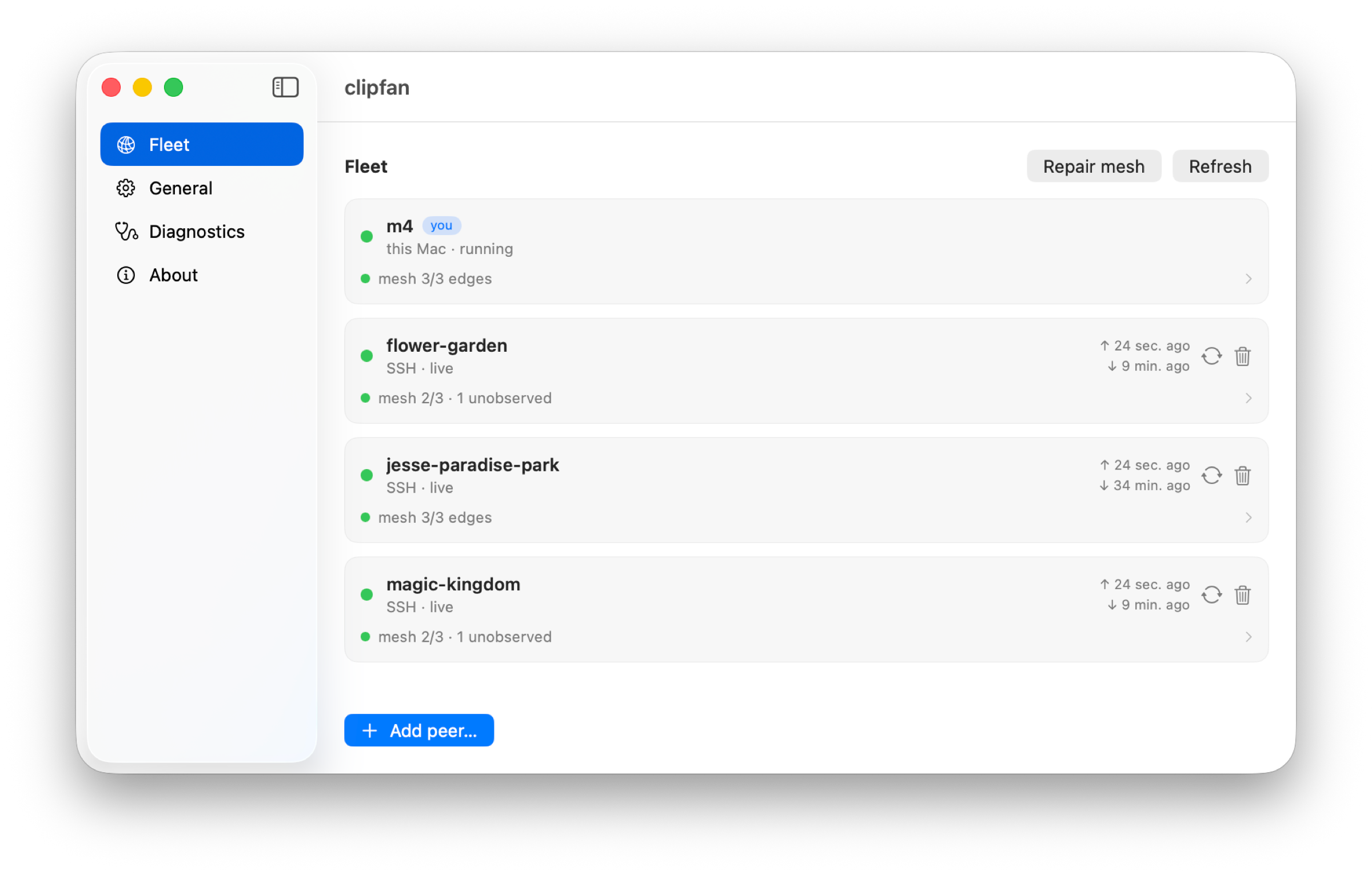
ClipFan is free. It's available on GitHub today.